OBS backup for Mac and Windows
Back up OBS.
Restore it anywhere.
Keep your scenes, profiles, settings and assets ready for your other setup.
You review every restore before anything changes.
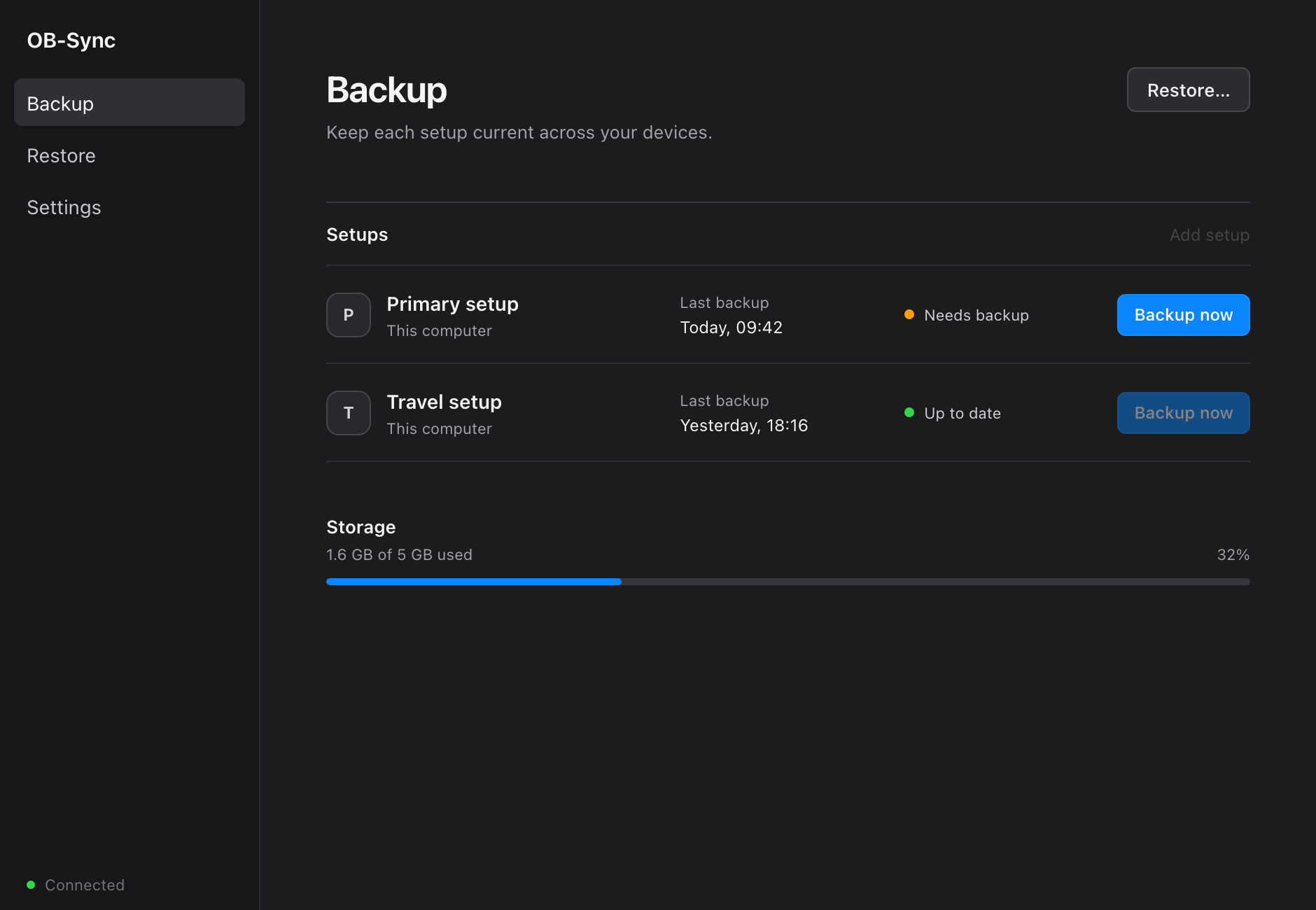
- macOS 13+Apple silicon beta
- Windows → MacPrivate test ready
- Encrypted locallyBefore upload
How it works
One setup in. One setup out.
No manual folder hunting.
-
Choose a setup
Pick the OBS setup you want to protect.
-
Back it up
OB-Sync compresses it losslessly, then encrypts it on your device.
-
Review and restore
Check the import first. Existing OBS content is never overwritten.
Security
Your files are not ours.
Backup contents, paths and encryption keys stay client-side.
- Before upload
- Files are compressed and encrypted on your computer.
- In the cloud
- Private storage receives encrypted backup data only.
- On restore
- Integrity is checked before you can approve an import.
- Account access
- Sign-in, MFA and device enrollment protect your backups.
- On this site
- No ads, analytics, cookies or tracking.
Private beta
Testing is invite only.
The current builds are unsigned. There is no public download yet.
Private testers receive a verified build directly.
Current build
Version 0.1.0
Platform
macOS 13+ · Apple silicon
Build verification and Mac install
SHA-256 checksum
b9de3dfe367e322698f165cff0a2861bfb7f02536ac8094df8b87b9e231c01f7
Compare this with the checksum sent with your private build.
First launch
- Open OB-Sync once.
- Open System Settings → Privacy & Security.
- Click Open Anyway, then confirm.
Never disable Gatekeeper or run xattr commands. Use Apple’s official steps.